Categories
Raspberry Pi Упътвания

Raspberry Pi – мод за запазване на батерията

Изключване на HDMI

Raspberry Pi Zero W / Raspberry Pi A+

/usr/bin/tvservice -o

Изключване на PWR LED и ACT LED

Raspberry Pi A+

echo 0 | sudo tee /sys/class/leds/led0/brightness
echo 0 | sudo tee /sys/class/leds/led1/brightness
led0 - зелен ACT LED
led1 - червен PWR LED

Raspberry Pi Zero W

echo none | sudo tee /sys/class/leds/led0/trigger
echo 1 | sudo tee /sys/class/leds/led0/brightness

За постоянно изключване, добавете в /boot/config.txt следния текст:

Raspberry Pi A+

# Disable the ACT LED
dtparam=act_led_trigger=none
dtparam=act_led_activelow=off

# Disable the PWR LED
dtparam=pwr_led_trigger=none
dtparam=pwr_led_activelow=off

Raspberry Pi Zero W

# Disable the ACT LED on the Pi Zero
dtparam=act_led_trigger=none
dtparam=act_led_activelow=on
Categories
HTML / CSS JavaScript Raspberry Pi Геодезия ГНСС Интернет на нещата

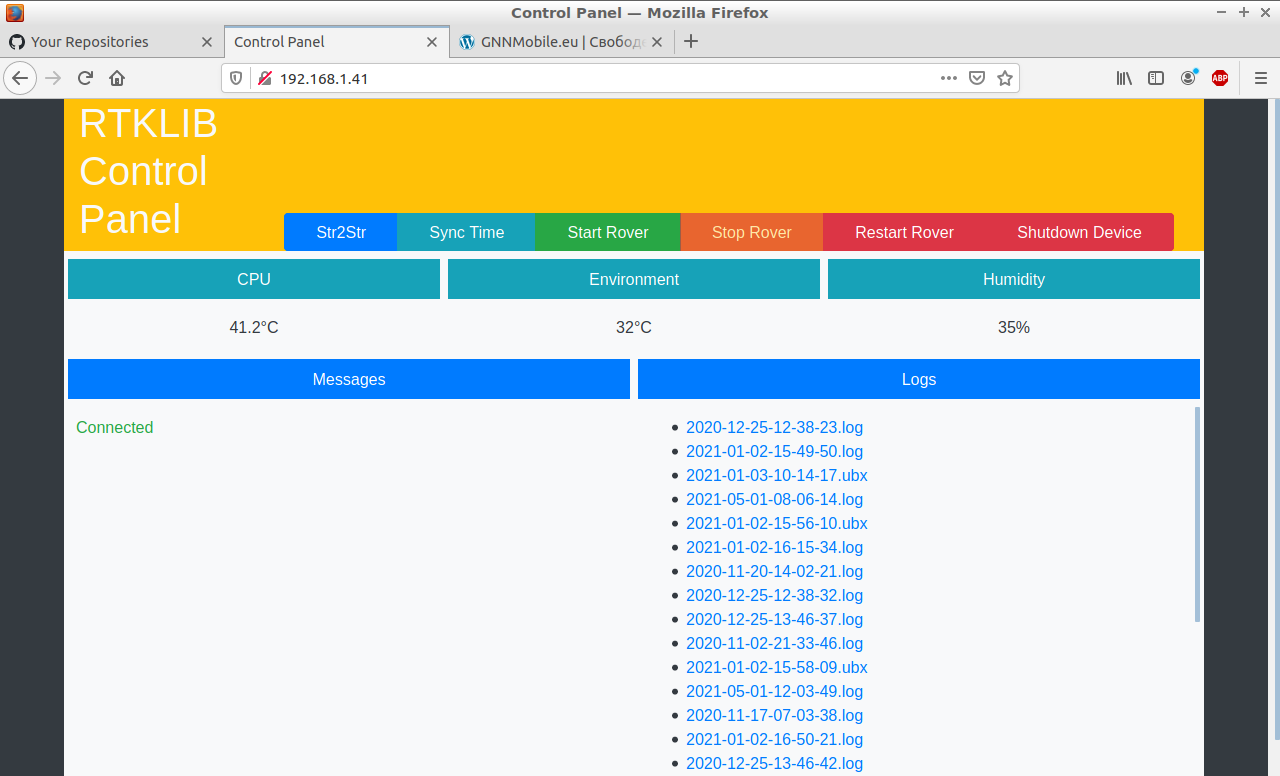
Уеб интерфейс за Raspberry Zero GNSS Logger

RTKLIB Control Panel

https://github.com/Nanich87/raspberry-zero-gnss-logger

Categories
Android Visual C# Упътвания

Xamarin Usb Serial For Android Bindings

https://github.com/Nanich87/xamarin-usb-serial-for-android-bindings

Categories
Raspberry Pi ГНСС Интернет на нещата Упътвания

[DIY] Ublox NEO-6M GPS Receiver

https://github.com/Nanich87/raspberry-gnss-rtk-ublox-neo-6m

Categories
Android

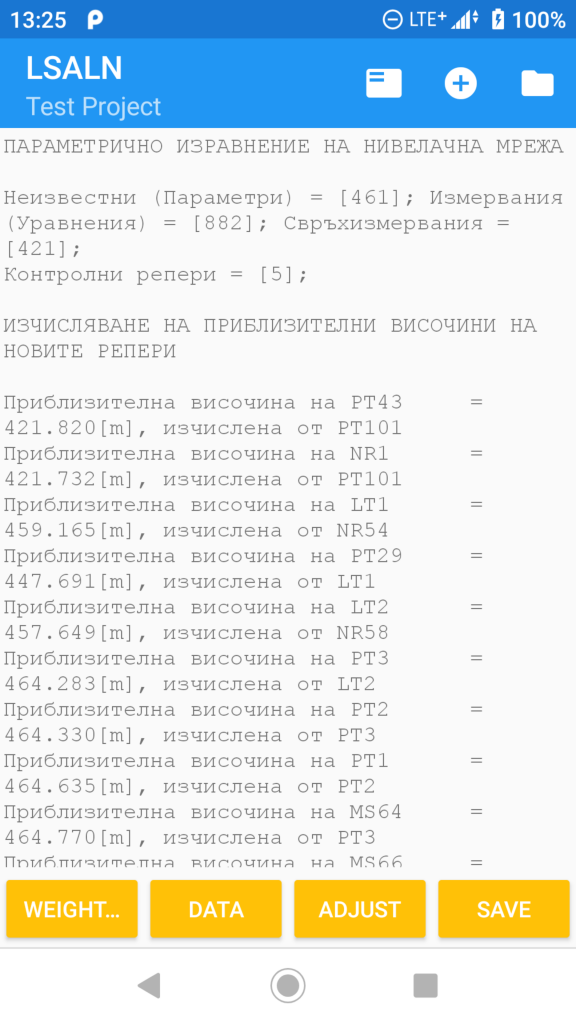
[NewDroidApp] Least-Squares Adjustments Of Leveling Networks

Categories
Raspberry Pi Интернет на нещата

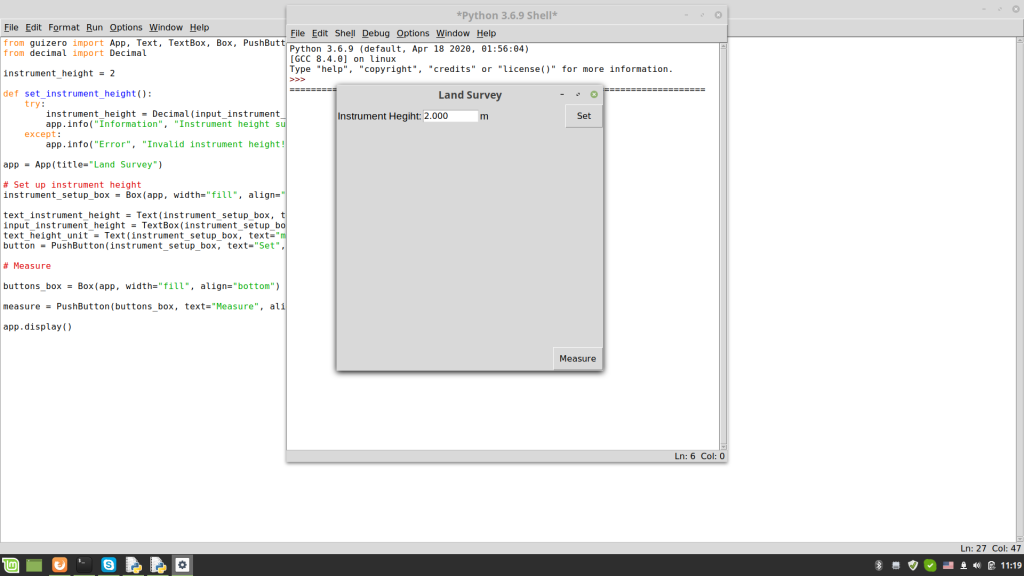
Land Survey app for the Raspberry Pi Tablet project

https://github.com/Nanich87/raspberry-gnss-tablet

Categories
Интернет на нещата Упътвания

[DIY] Variable Power Supply 5-28V 2A (Max)

https://github.com/Nanich87/diy-variable-power-supply-5-28v-2a

Categories
Android Интернет на нещата

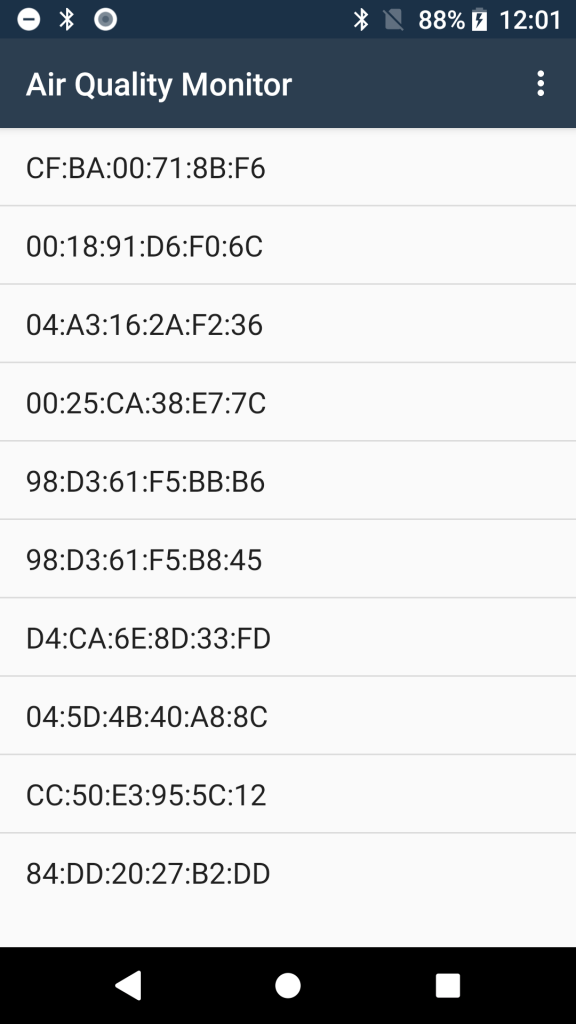
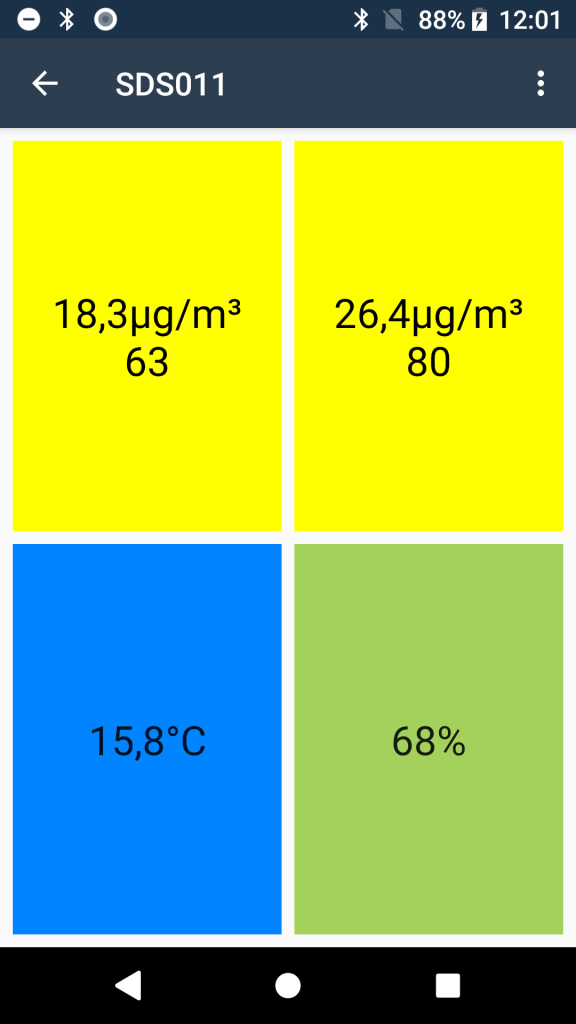
Мобилно приложение за проекта AirQualityStation

https://github.com/Nanich87/sds011-bluetooth-app

https://github.com/Nanich87/diy-sds011-air-quality-station

Categories
Raspberry Pi

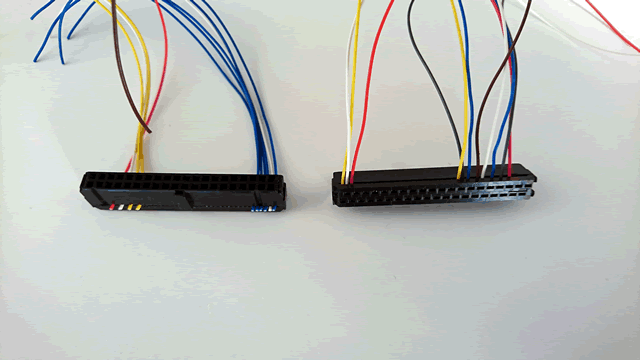
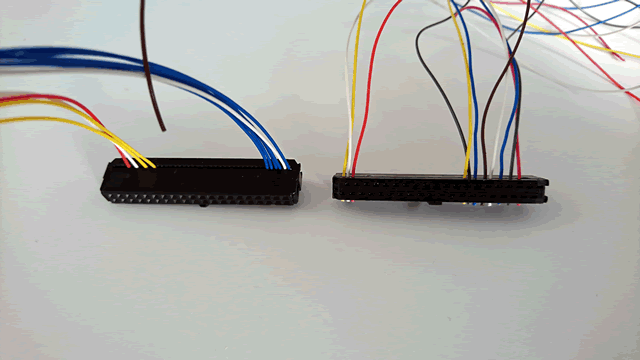
40 pin конектор за Raspberry Pi от стар ATA кабел

Categories
Raspberry Pi Упътвания

Сваляне на видео от YouTube

sudo curl -L https://yt-dl.org/downloads/latest/youtube-dl -o /usr/local/bin/youtube-dl
sudo chmod a+rx /usr/local/bin/youtube-dl
sudo nano /etc/youtube-dl.conf
# Lines starting with # are comments

# Always extract audio
#-x

# Do not copy the mtime
--no-mtime

# Use this proxy
#--proxy 127.0.0.1:3128

# Save all videos under YouTube directory in your external hdd mount directory
-o ~/mnt/library/youtube/%(title)s.%(ext)s
ctrl-x
y
youtube-dl https://www.youtube.com/watch?v=kc_9RT4q8YA